
Your business deserves a stronger digital presence.
Practical design. A look that’s distinctly yours.
We create websites, apps, and focused digital tools that help small businesses present themselves clearly and make everyday work easier. Every project begins with what your customers and your team actually need.
Websites with purpose.
From a clear first impression to a simple way for customers to reach you, we shape each site around the work your business needs it to do. The gallery beside this panel shows temporary visual concepts for the first draft.
Business websites
Focused pages for services, work, and customer inquiries.
Landing pages
One clear message and a direct path to the next step.
Tools shaped for the job.
We also explore mobile apps and small business tools that organize tasks, capture information, and support work in the field. The concepts at the right are placeholders until we select real Celyum projects.
App concepts
Useful screens designed around how people actually work.
Digital tools
Simple systems that bring scattered tasks into one place.
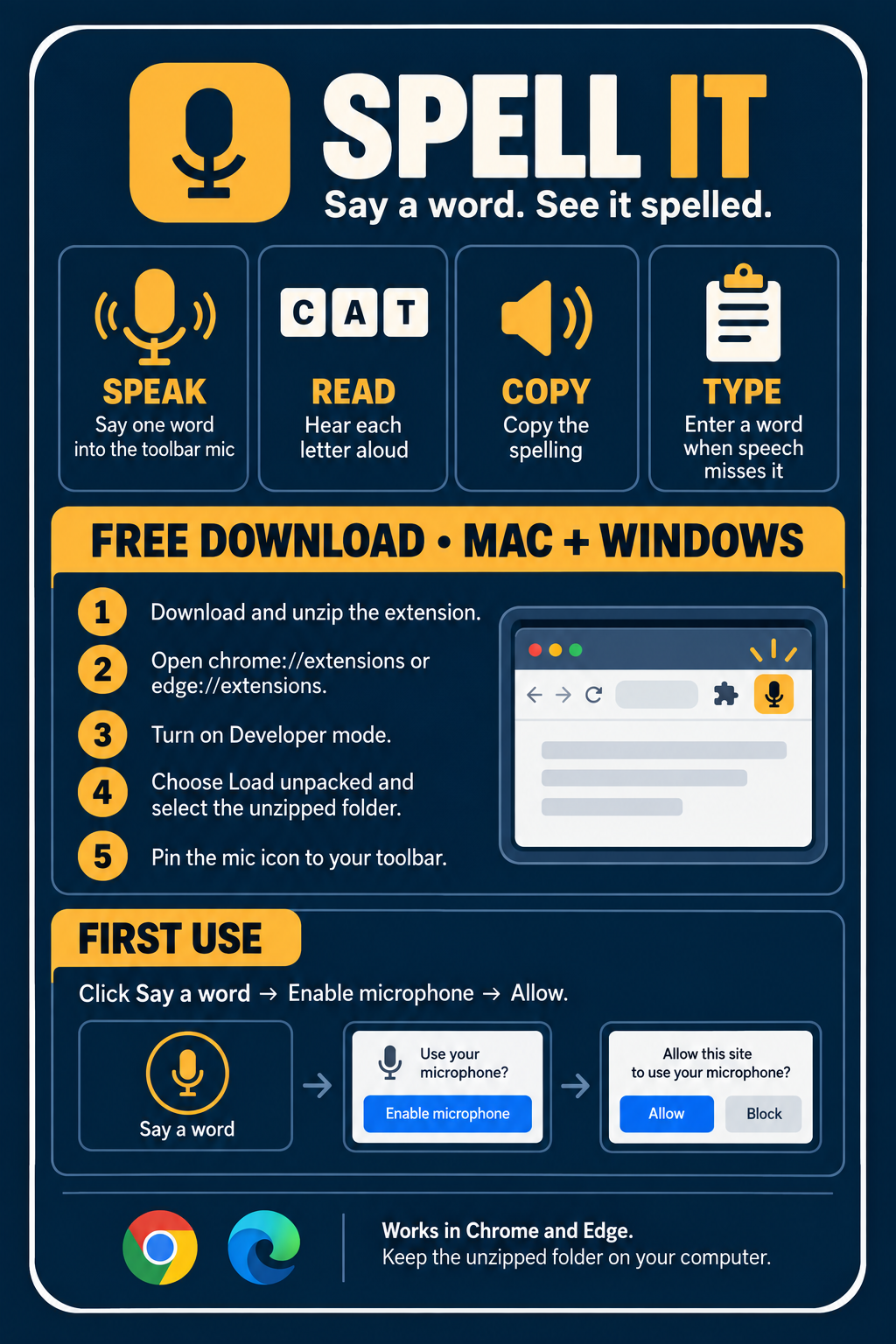
Spell a word without leaving the page.
Spell It is a small Chrome and Edge toolbar extension. Click its mic, say a word, and see the spelling in a popup. The guide below shows its uses and the local installation steps for Mac and Windows. From Celyum Digital Solutions.
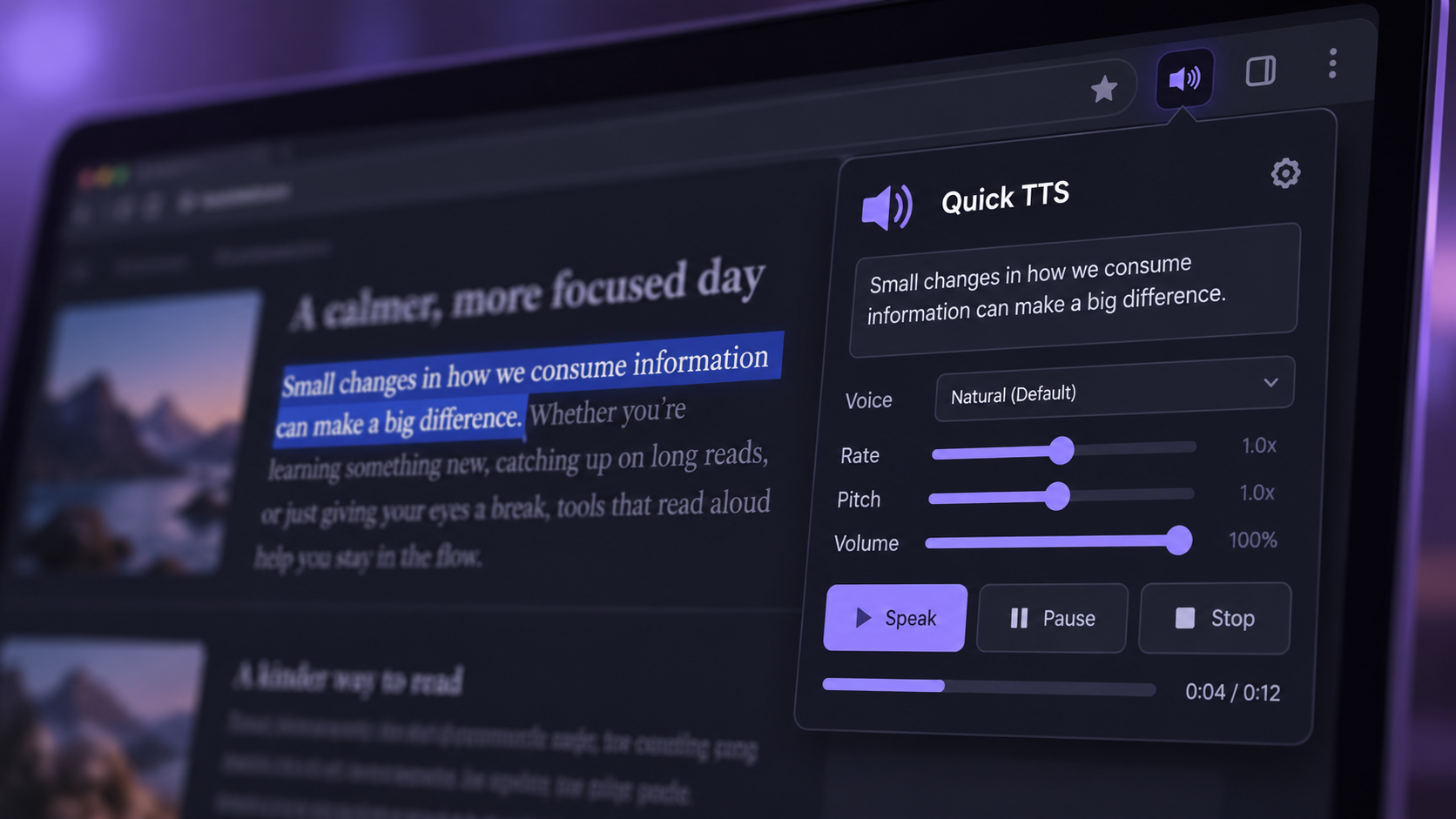
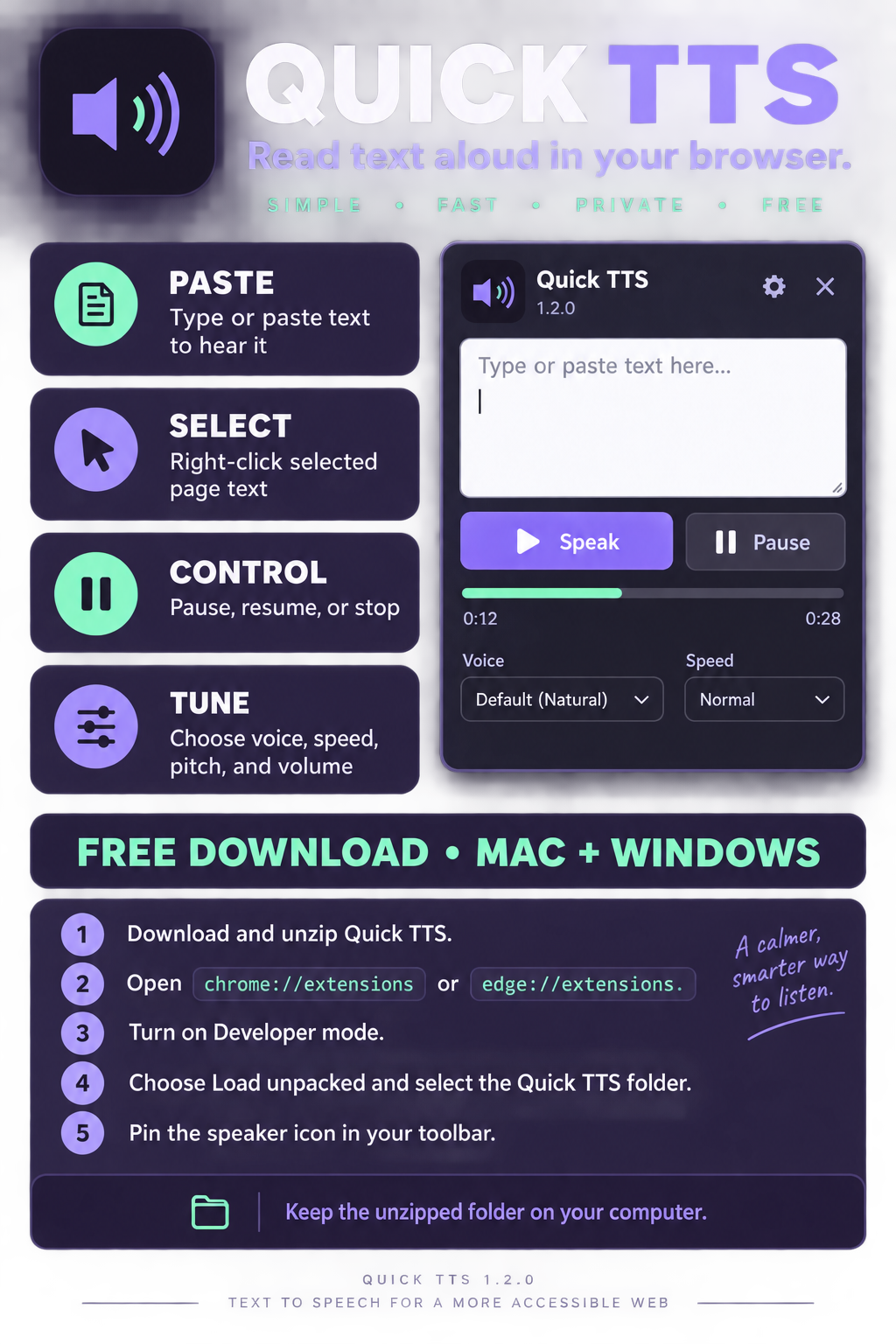
Give your reading a voice.
Quick TTS reads text aloud from its browser popup or from selected words on a page. Paste longer passages, choose a voice, adjust speed, pitch, and volume, and control playback as you go. From Celyum Digital Solutions.
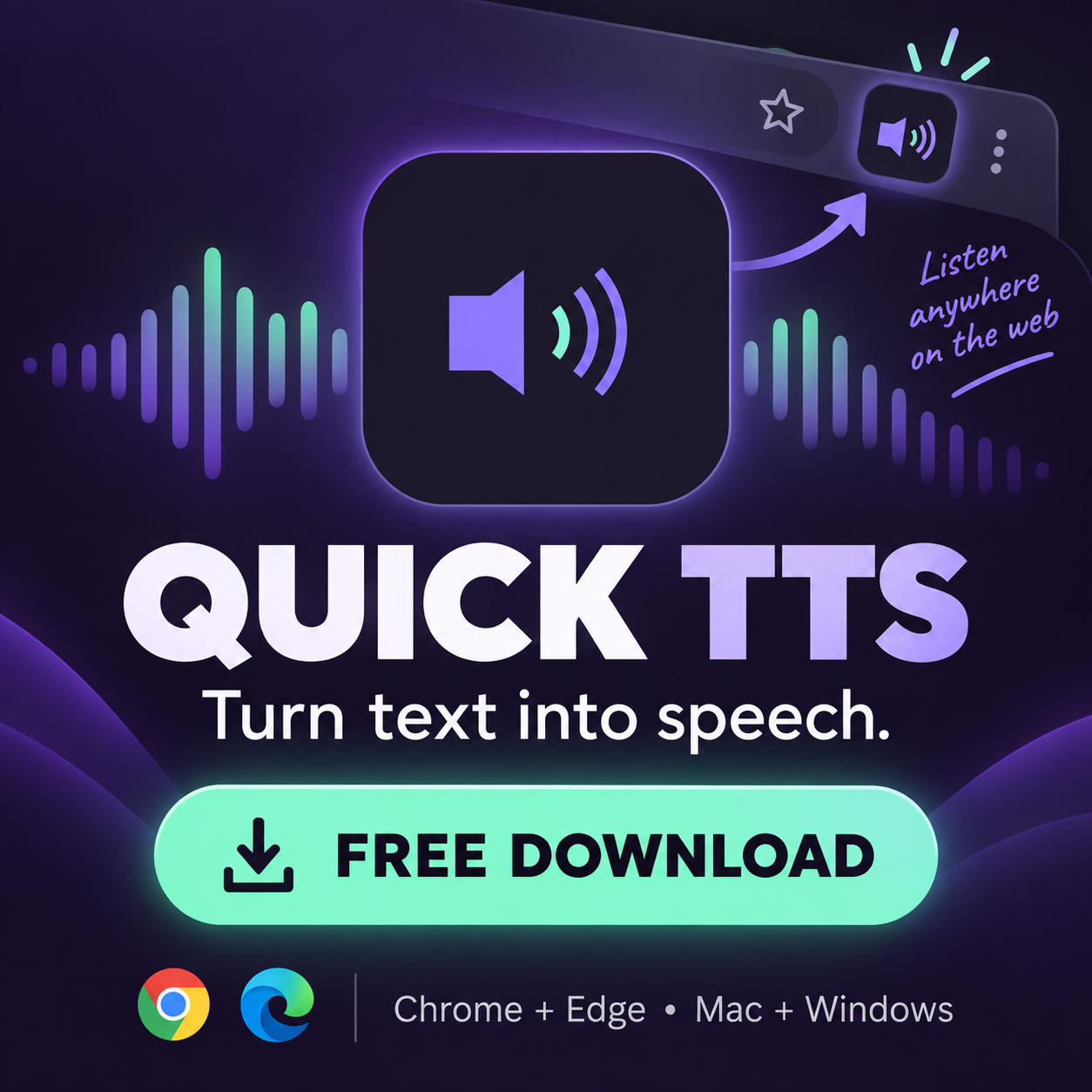
Click the image to download the free extension ZIP. Unzip it before following the setup guide.
Cut an image into usable assets.
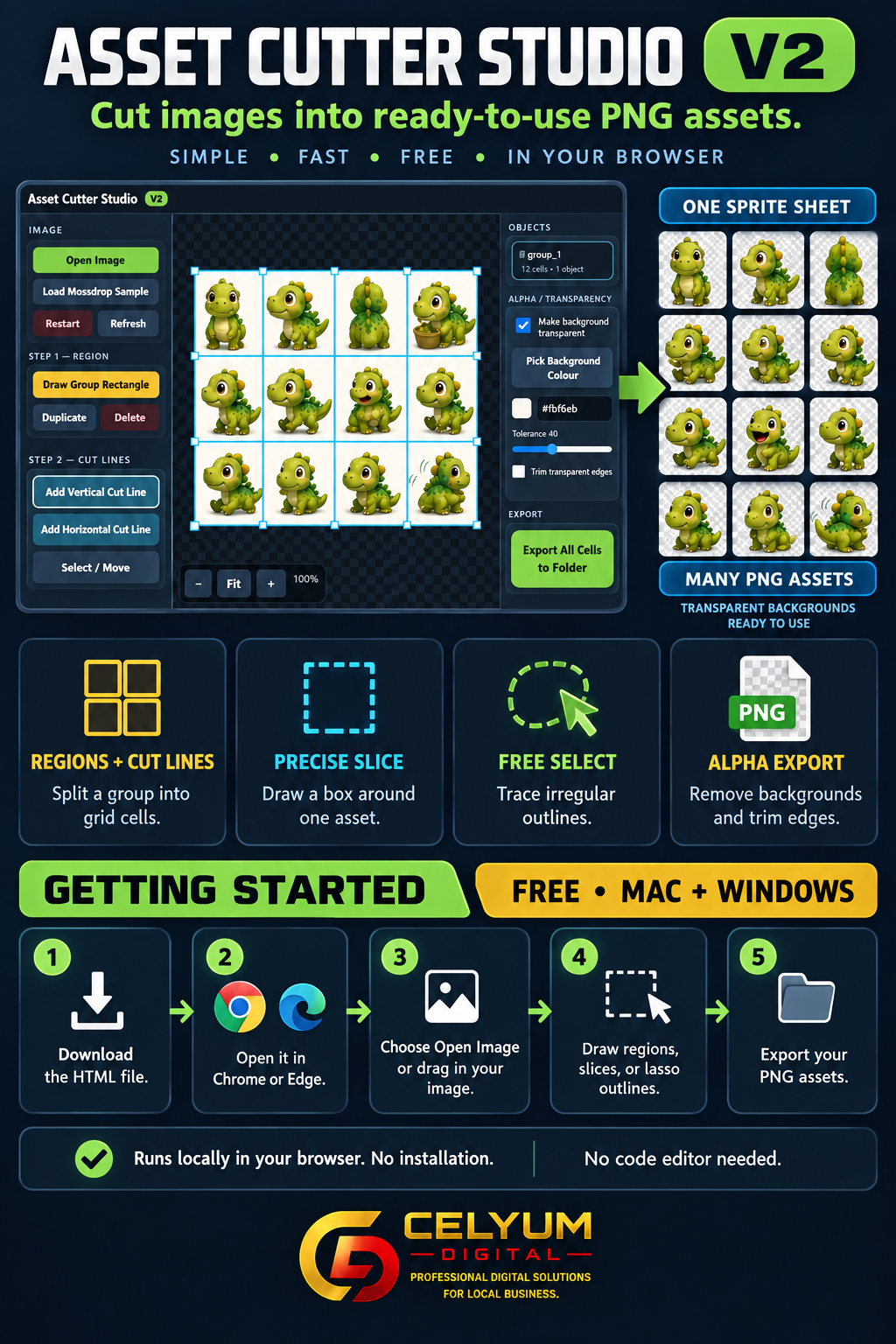
Bring in a sprite sheet or image and export individual PNG files. Use a grid for groups, precise slice boxes for single items, or the lasso for irregular outlines. Background color removal and edge trimming help prepare transparent assets. From Celyum Digital Solutions.
Runs in Chrome or Edge on a computer. Open the downloaded HTML file in your browser; no code editor is needed.
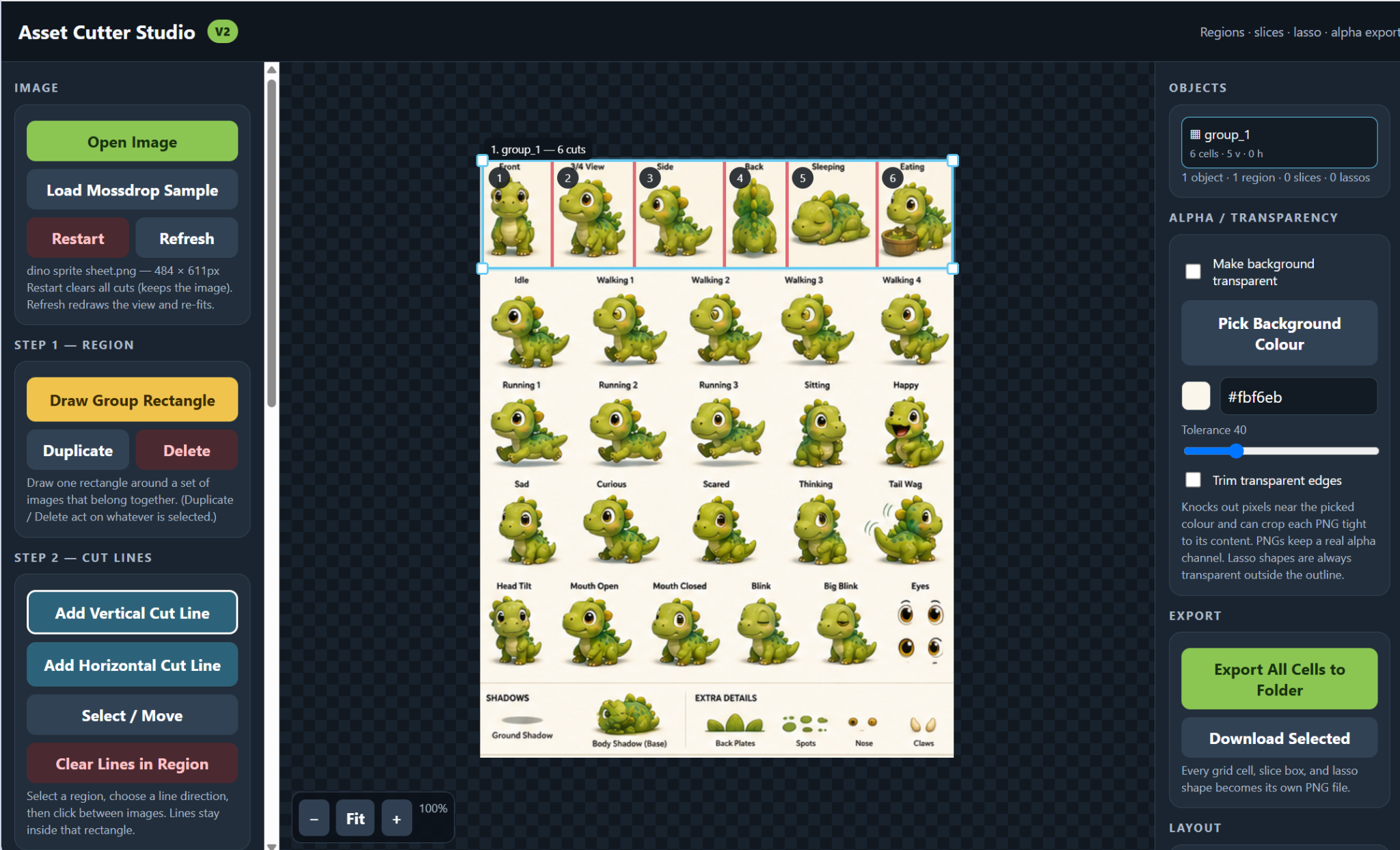
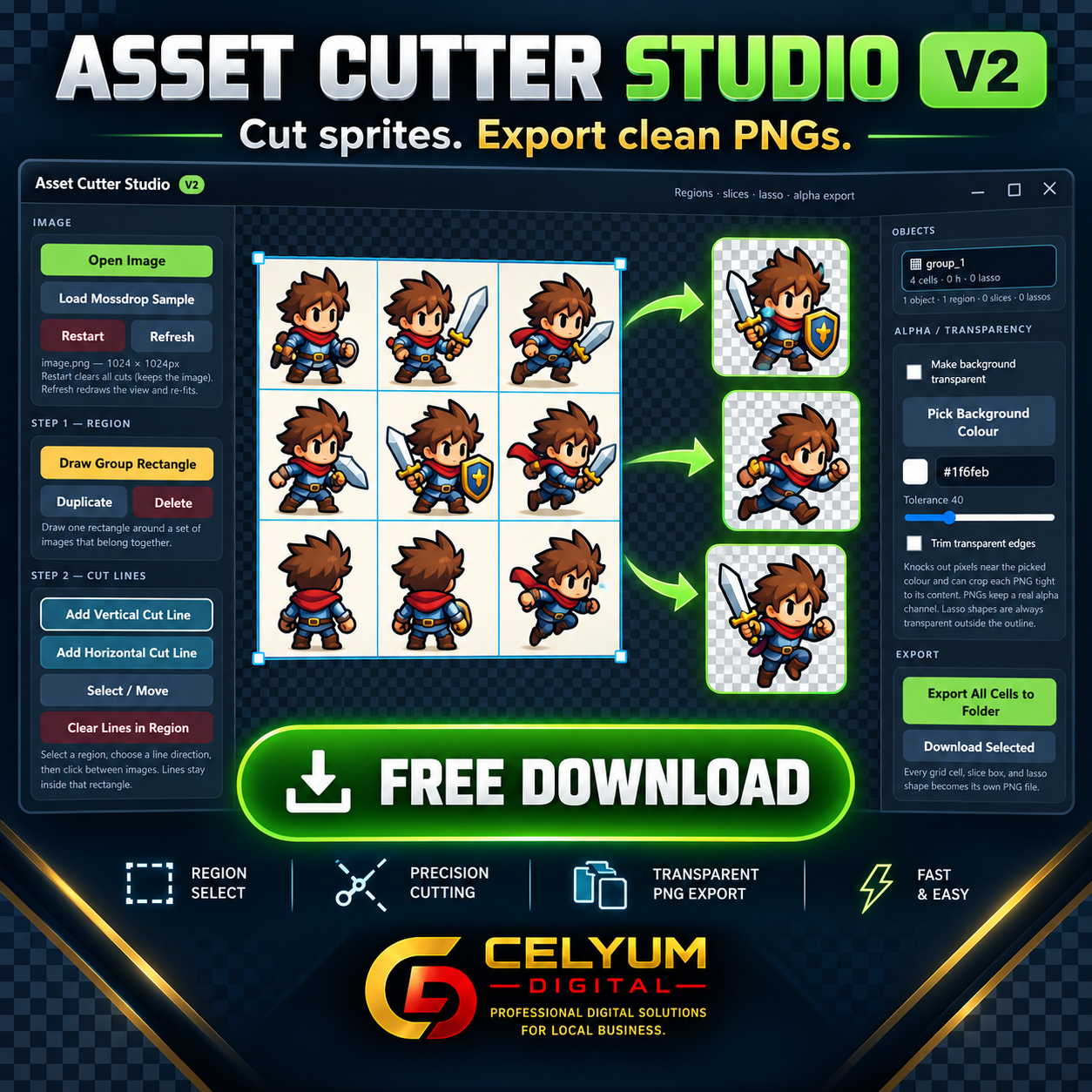
Click the image to download the free HTML tool.
Start with the problem.
Tell us what you’re building.
Contact details and a direct inquiry path will be added as this draft develops.
Back to the top ↑